.png)

.svg)


An immersive holographic wall is a next-generation display technology that transforms entire flat surfaces into deep, 3D interactive environments where imagery appears to float in mid-air or recede infinitely into the wall. Unlike standard flat screens, these walls capture depth and field of vision, letting multiple viewers engage with life-sized holographic content simultaneously without needing restrictive AR/VR headsets.
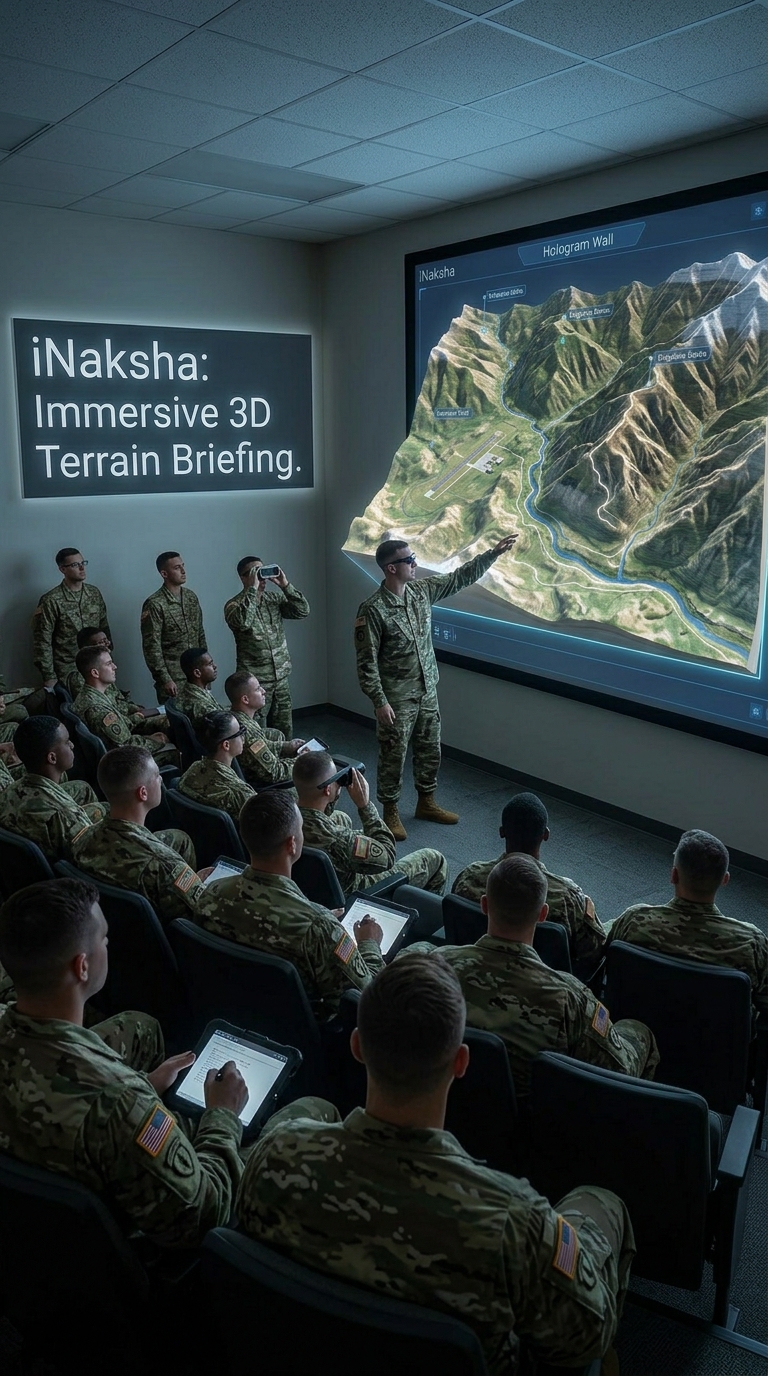
The Hologram Wall advanced visualization display integrated with iNaksha, our terrain visualisation and digital sand model software. Together, they create an immersive 3D briefing environment for mission planning, tactical discussions, terrain familiarisation and training.
Instead of relying only on physical sand models, 2D maps or conventional projection screens, the Hologram Wall presents iNaksha terrain as a spatial 3D experience where commanders, instructors and trainees can understand contours, ridgelines, valleys, approaches, obstacles, built-up areas and operational overlays more clearly.The solution is designed for one active user and up to 20 spectators, making it suitable for classroom briefings, commander-led discussions, tactical planning rooms and training centres.
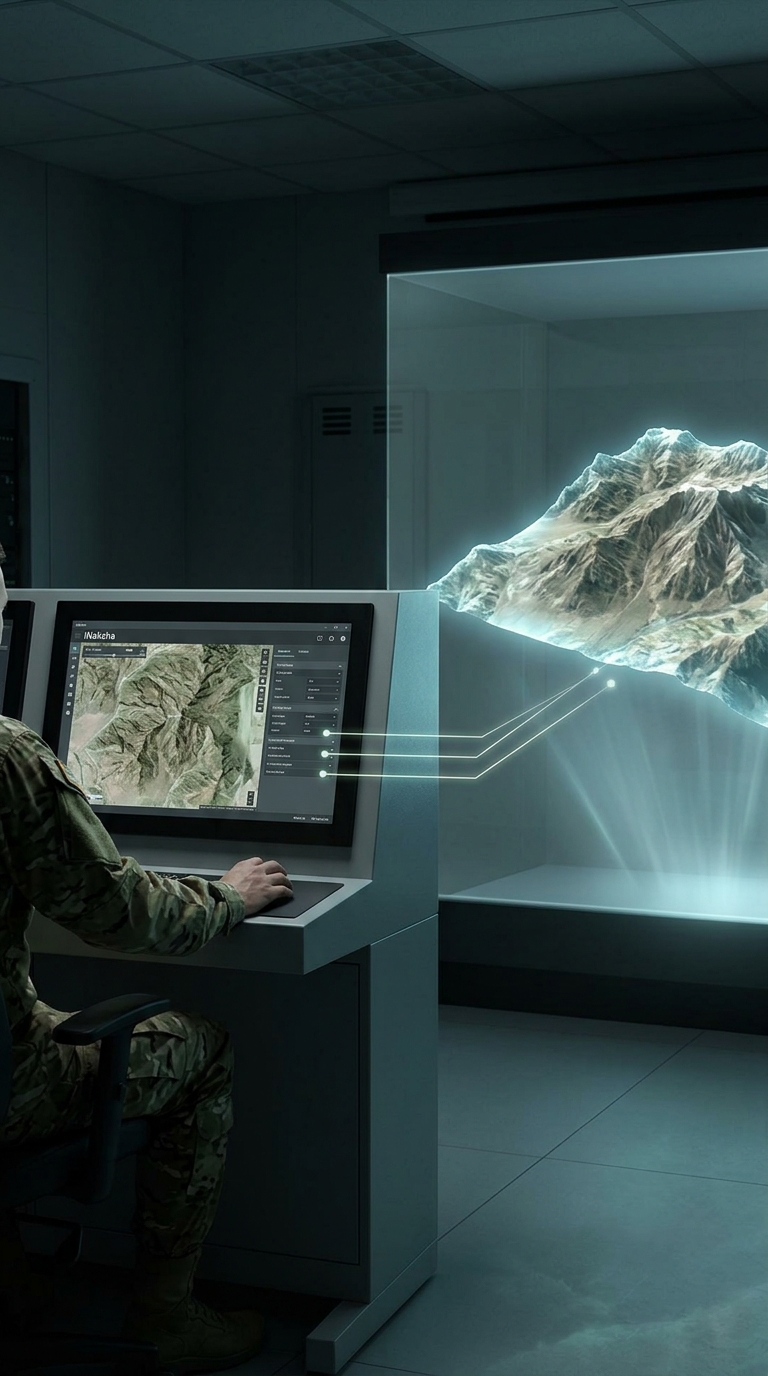
The Hologram Wall acts as a digital sand model powered by iNaksha. Terrain generated and configured inside iNaksha can be displayed in 3D on the Hologram Wall for structured briefing and tactical discussion.Users can present a selected area of interest, mark routes, explain movement plans, visualise operational overlays and discuss tactical options in front of a group.
The result is a deeply integrated digital sand model workflow where iNaksha manages the terrain, mission layers and planning data, while the Hologram Wall provides an immersive shared visualisation environment.
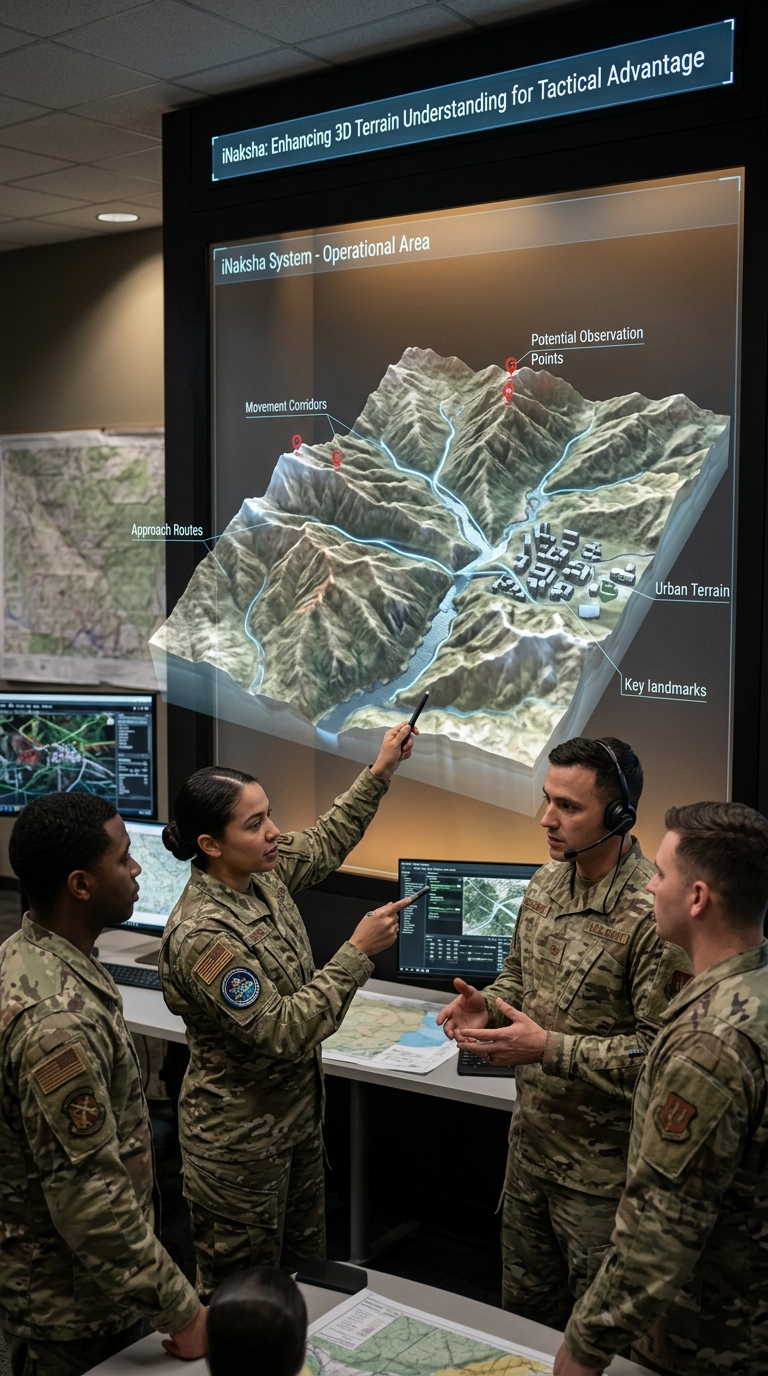
Terrain is inherently three-dimensional. A flat map can show information, but it does not always communicate height, slope, depth and spatial relationships effectively.With iNaksha terrain visualised on the Hologram Wall, users can better understand:
This makes discussions more intuitive and reduces the mental effort required to convert 2D map information into a 3D understanding of the battlefield.
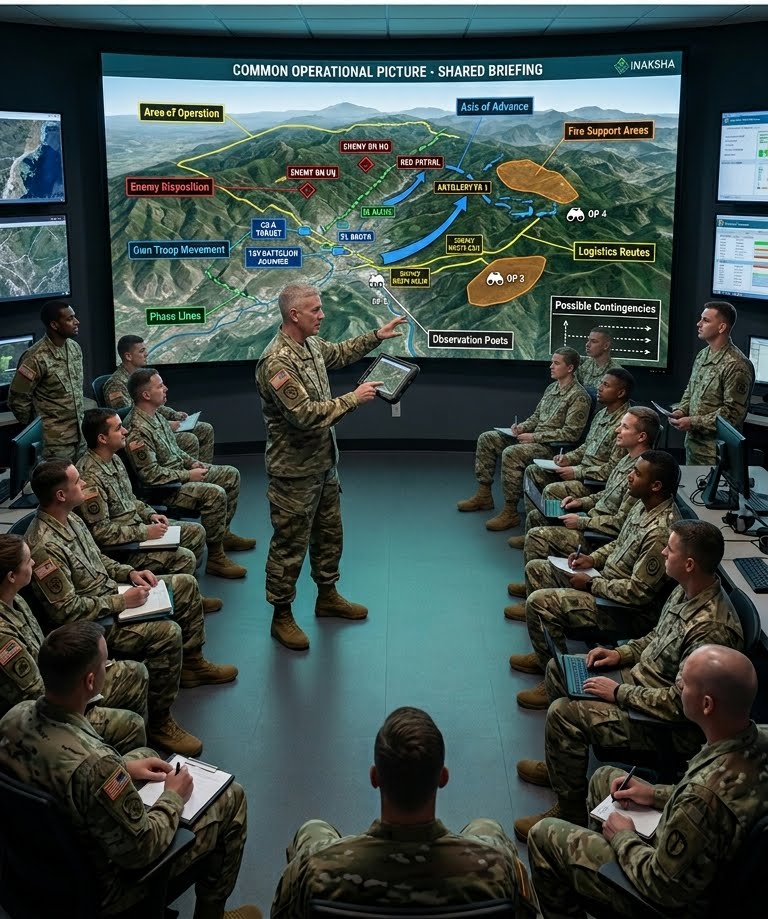
A major advantage of this solution is that it supports group-based visualisation. One user can actively control the iNaksha-powered terrain experience while up to 20 spectators observe the same scenario.This is suitable for commander-led sessions where the presenter explains:
The system helps the entire group build a common operational picture before execution.
Mission Planning Rooms
Used for planning and reviewing operations by visualising iNaksha terrain in 3D along with operational overlays, movement plans and tactical markers.
Sand Model Discussions
Used as a modern digital replacement or supplement to physical sand models, allowing rapid changes, multiple scenarios and reusable iNaksha terrain datasets.
Terrain Familiarisation
Used to familiarise troops with unfamiliar terrain before deployment, movement or mission execution using prepared iNaksha terrain.
Tactical Training
Used to train personnel on terrain appreciation, route selection, movement planning, observation, concealment and tactical decision-making.
After Action Review
Used to replay planned routes, actual movement, engagement points and decision moments over the same iNaksha terrain model for better learning.
The Hologram Wall is not a standalone generic display in this configuration. It is a dedicated immersive output environment for iNaksha.iNaksha enables terrain and mission data to be prepared, configured and presented through the Hologram Wall, including:
This ensures that the terrain shown on the Hologram Wall is directly linked to the iNaksha planning and visualisation workflow.
1. Prepare Terrain in iNaksha
The required area of interest is prepared inside iNaksha using available GIS, satellite imagery, elevation data or pre-processed 3D terrain.
2. Add Operational Layers
Routes, unit positions, objectives, boundaries, phase lines, enemy locations and tactical markers are configured within iNaksha.
3. Launch on Hologram Wall
The prepared iNaksha terrain and mission layers are launched on the Hologram Wall for group visualisation.4. Conduct
Sand Model Discussion
The instructor or commander uses the Hologram Wall to explain the terrain, movement plan, risks, contingencies and operational intent.
5. Rehearse and Refine
The plan can be modified within iNaksha and visualised again on the Hologram Wall, allowing faster iterations and multiple planning scenarios.
Wall-Mounted Hologram Wall
The wall-mounted version is suitable for permanent mission planning rooms, tactical classrooms, training centres and command briefing rooms. It is ideal where iNaksha-based terrain appreciation, map study, tactical planning and sand model discussions will be conducted regularly.
Portable Hologram Wall
The portable version is suitable for temporary briefing setups, mobile training teams, field demonstrations, exhibitions or multi-location training requirements. It can be transported in road cases and deployed where iNaksha terrain visualisation is required.
The Hologram Wall with iNaksha is best suited for front-facing terrain visualisation and guided tactical briefings where a presenter explains the terrain and operational plan to a group.
It is especially effective for:
For applications requiring all users to gather around terrain from multiple sides, a table-based iNaksha deployment or mixed reality table-based configuration may be more appropriate. However, for structured briefing, classroom training and commander-led explanation, the Hologram Wall provides a strong and practical format for iNaksha-powered terrain visualisation.
Does the Hologram Wall work independently?
In this configuration, the Hologram Wall is designed to work exclusively with iNaksha. iNaksha provides the terrain, mission layers and planning workflow, while the Hologram Wall provides the immersive group visualisation environment.
What is the role of the Hologram Wall in sand model discussions?
It acts as an immersive display for iNaksha-powered digital sand model discussions, where terrain, routes, tactical symbols and operational overlays can be displayed in 3D for group briefing.
Can it replace a physical sand model?
It can replace or supplement a physical sand model. iNaksha terrain can be loaded, modified, reused and presented quickly without manually preparing a new sand model each time.
How many people can participate?
The system supports one active user and up to 20 spectators, making it suitable for instructor-led and commander-led briefings.
What kind of terrain data can be used?
Terrain and mission layers prepared within iNaksha can be visualised on the Hologram Wall, including 3D terrain, satellite imagery, elevation data, routes, unit markers, tactical overlays and operational zones.
Is it useful only for planning?
No. It can be used for planning, training, terrain familiarisation, mission rehearsal, tactical discussions and after action review.
Is it better than a flat map or screen?
For terrain appreciation and spatial understanding, iNaksha terrain on the Hologram Wall can be more effective because it shows height, depth and relative positioning more naturally than a flat display.
